
💥 Surface Attack
IMPORTANT
This submodule has been disabled indefinitely.
Main page
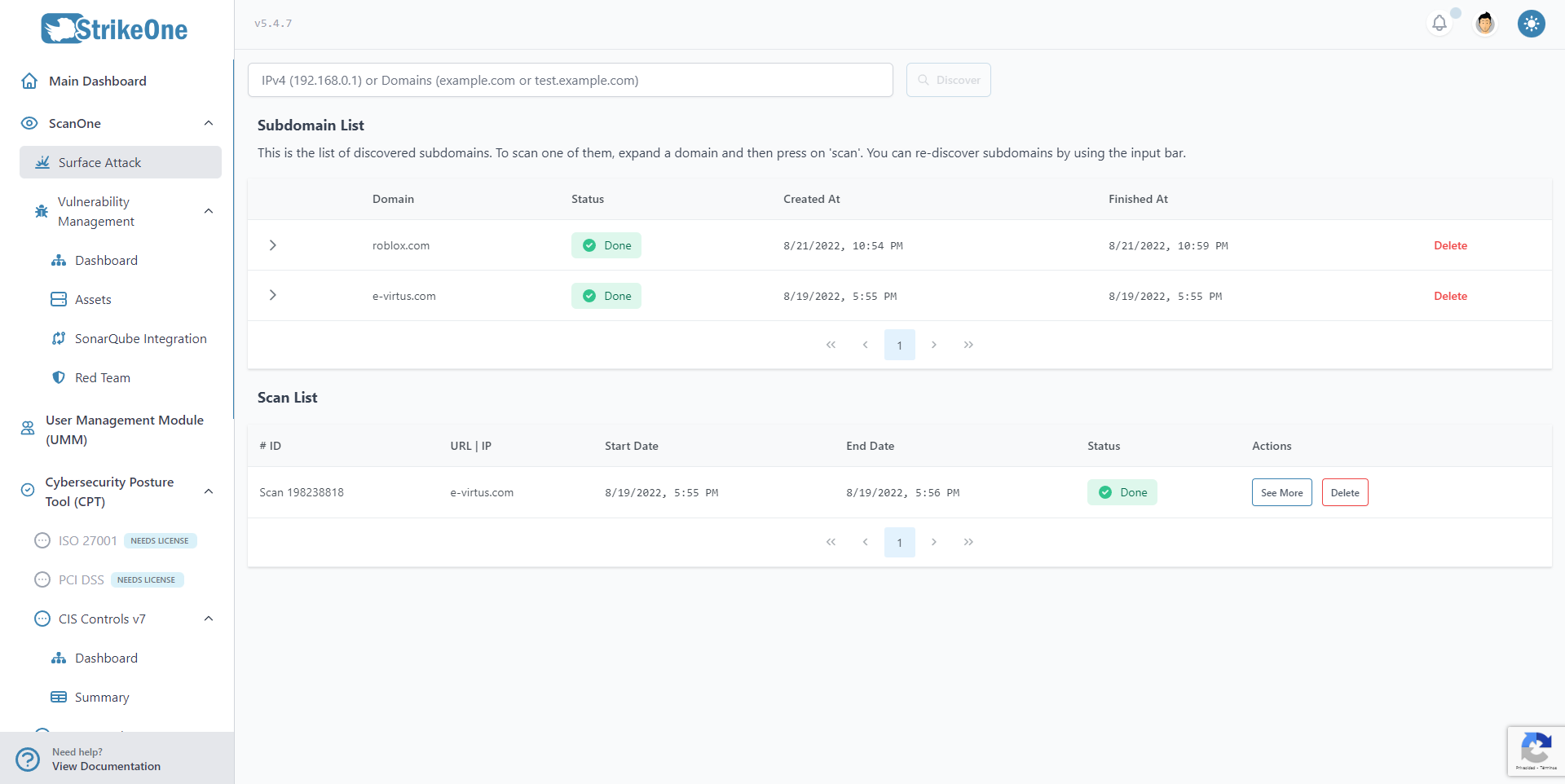
The main page of Surface Attack shows two tables. The first one contains a list of subdomains (or alternatively, a list of pre-scans) that is essentially the list of URLs and IP addresses that can be scanned. To start, type a valid IP or URL in the input box. Once the discovery process is complete, you will be able to see all found subdomains that can be scanned.
Once a scan is started, you will be able to see it in the lower table.
TIP
Some of the outputs aren't translated.
The discovery or the scan processes can fail. If this happens, try again, or use the Vulnerability Management submodule to conduct an in depth scan of that IP or URL.
Scan Overview
Dashboard
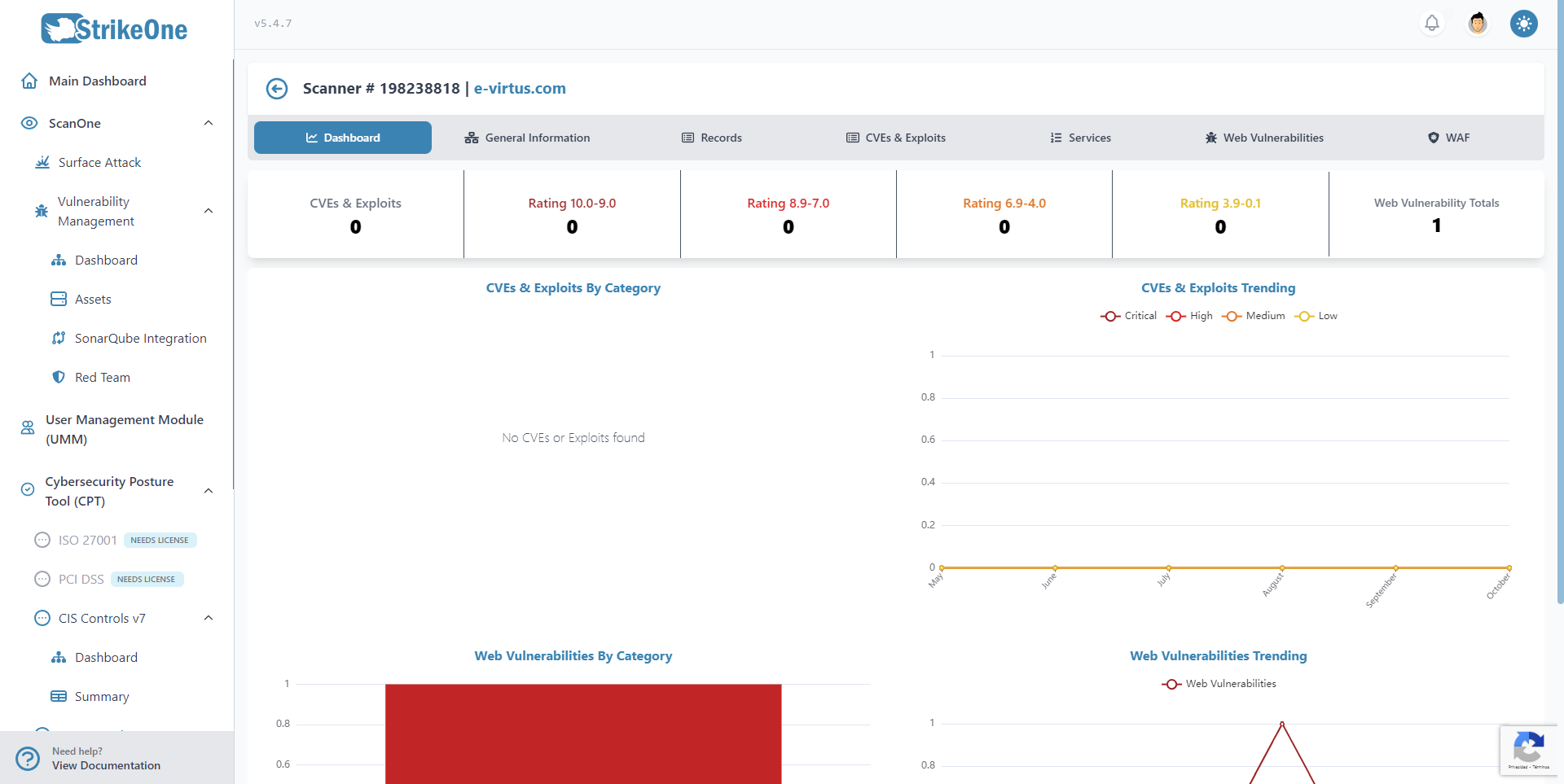
The dashboard will show you the scan's general stats.
General Information
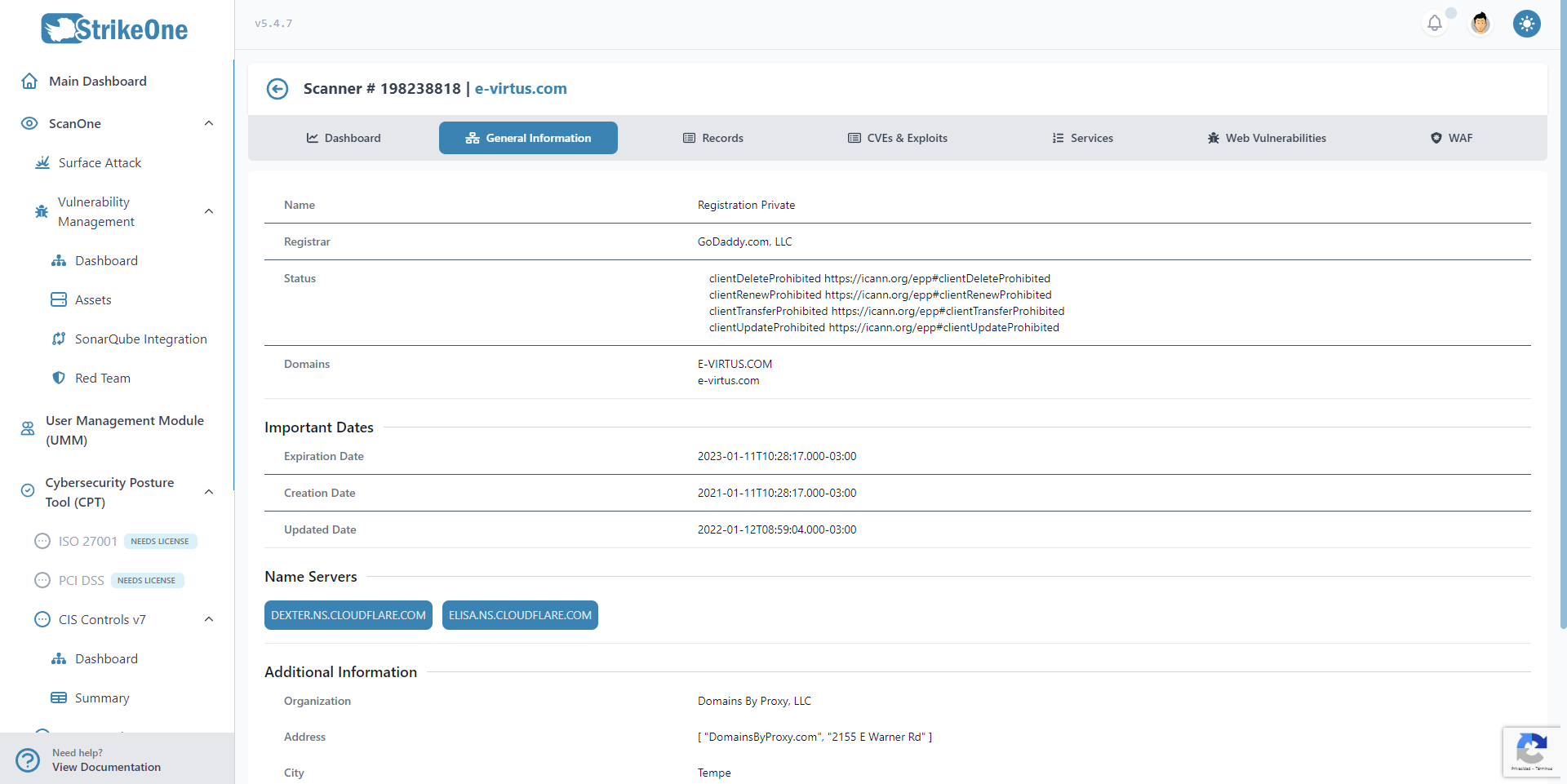
This tab will offer a general overview of the scanned address, such as its name, the registrar, status, etc. It will also show a summarized list of its subdomains.
Records
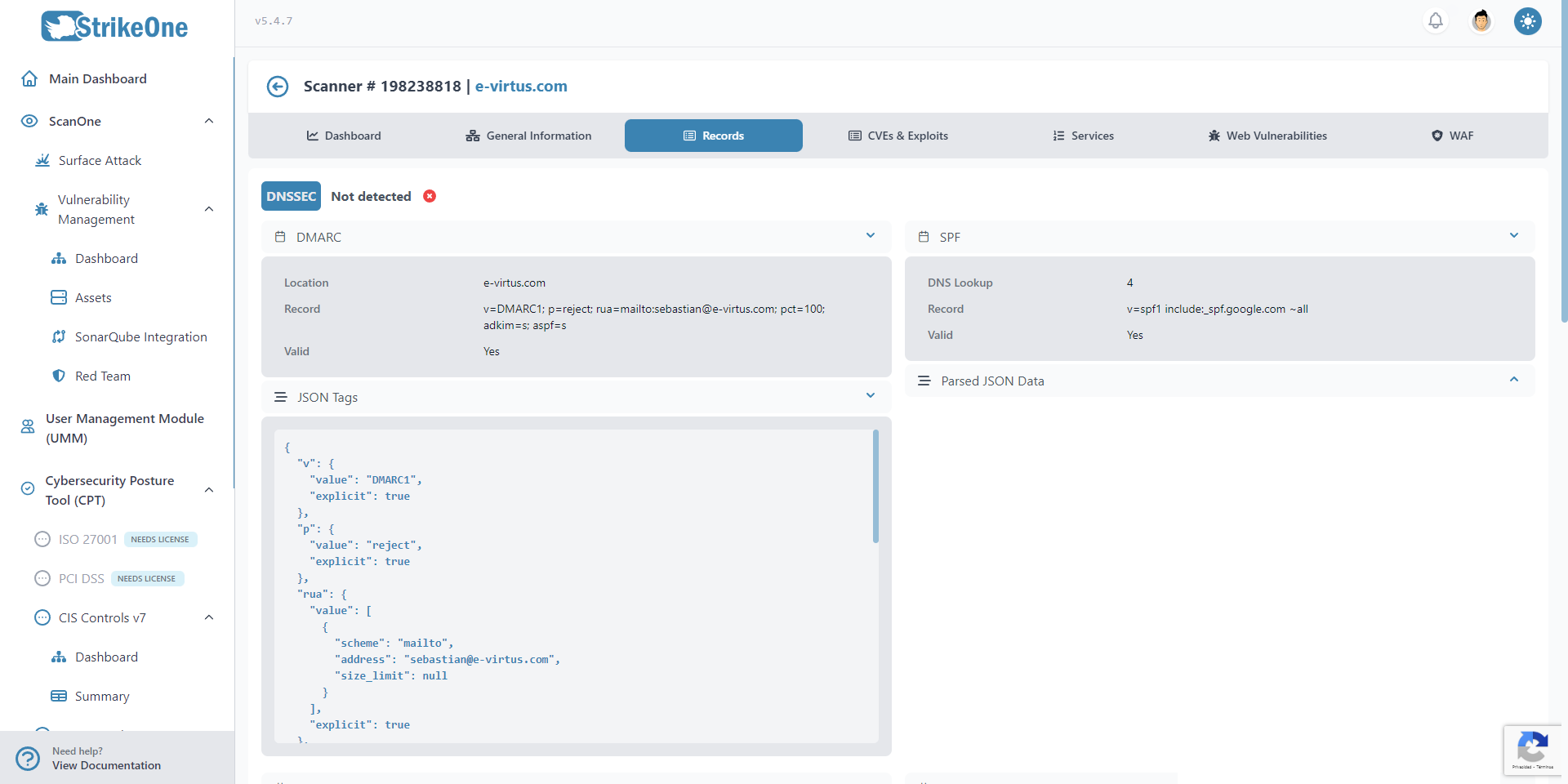
The Records tab will show found information of the address' records, such as the MX, SPF or NS records.
CVEs and Exploits
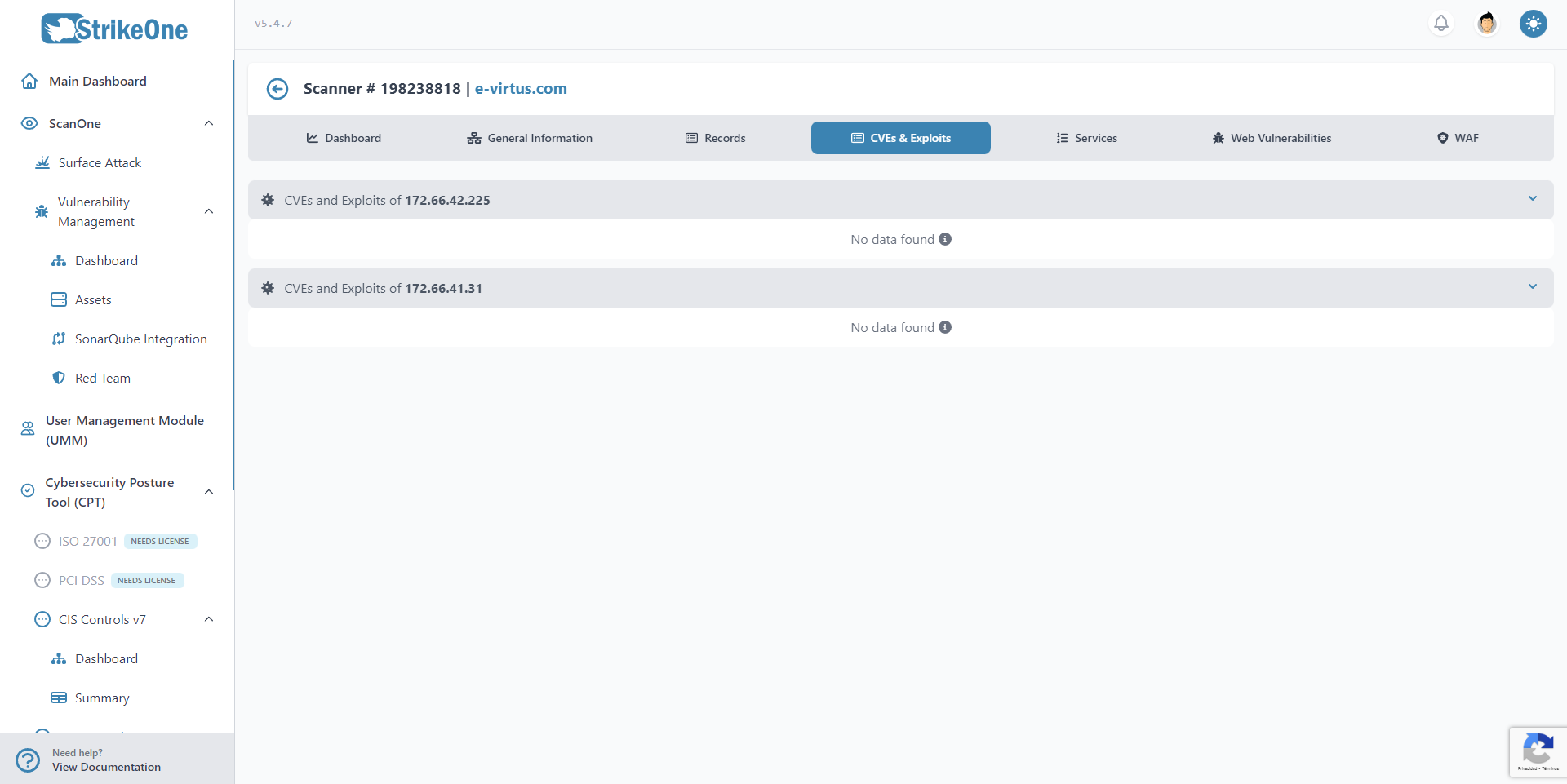
This tab will show a list of found CVEs and Exploits.
Services
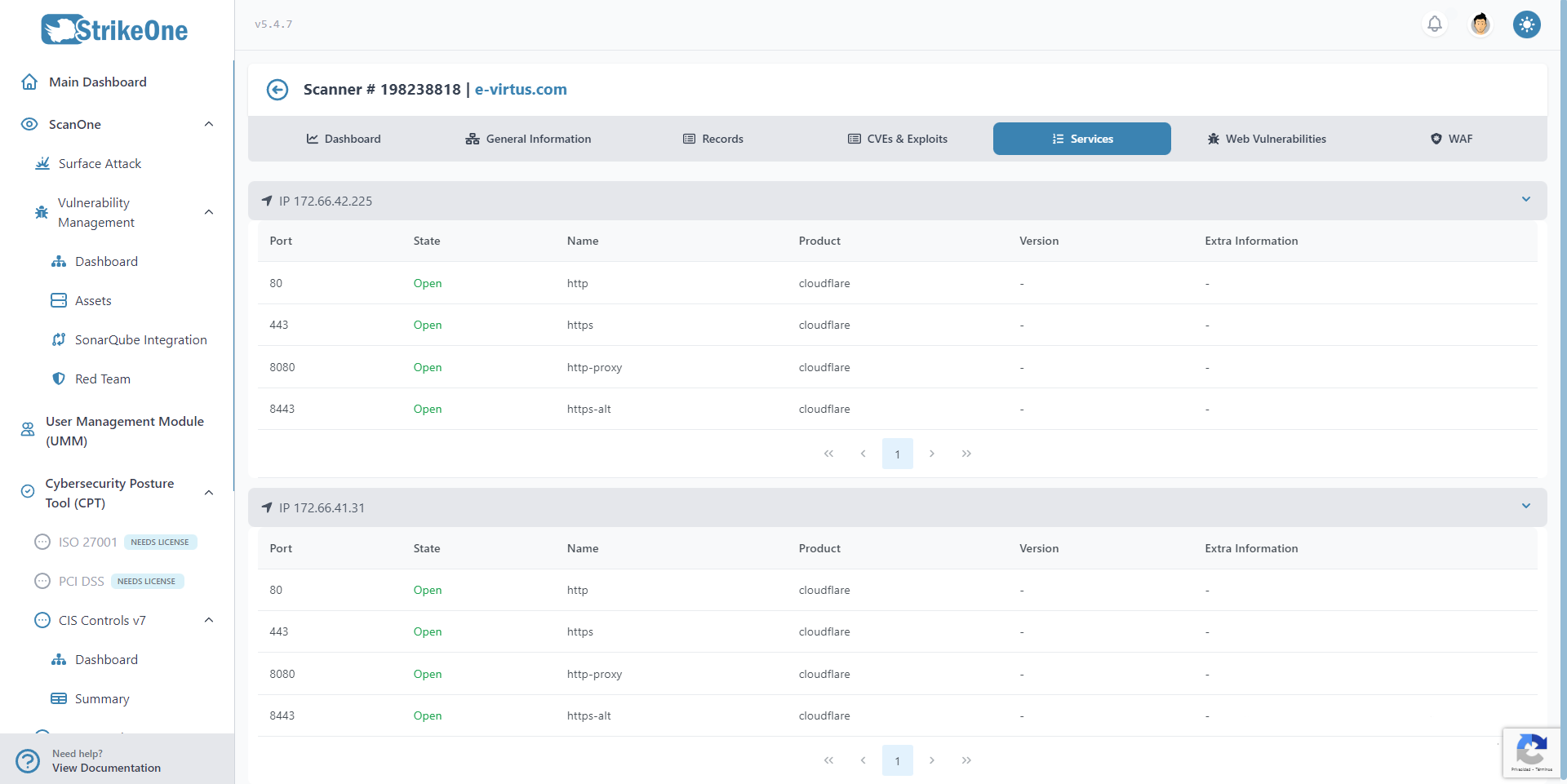
The Services tab will show a list of each port that was found during the scan. You will be able to see the port itself, its WAF, and other information.
Web Vulnerabilities
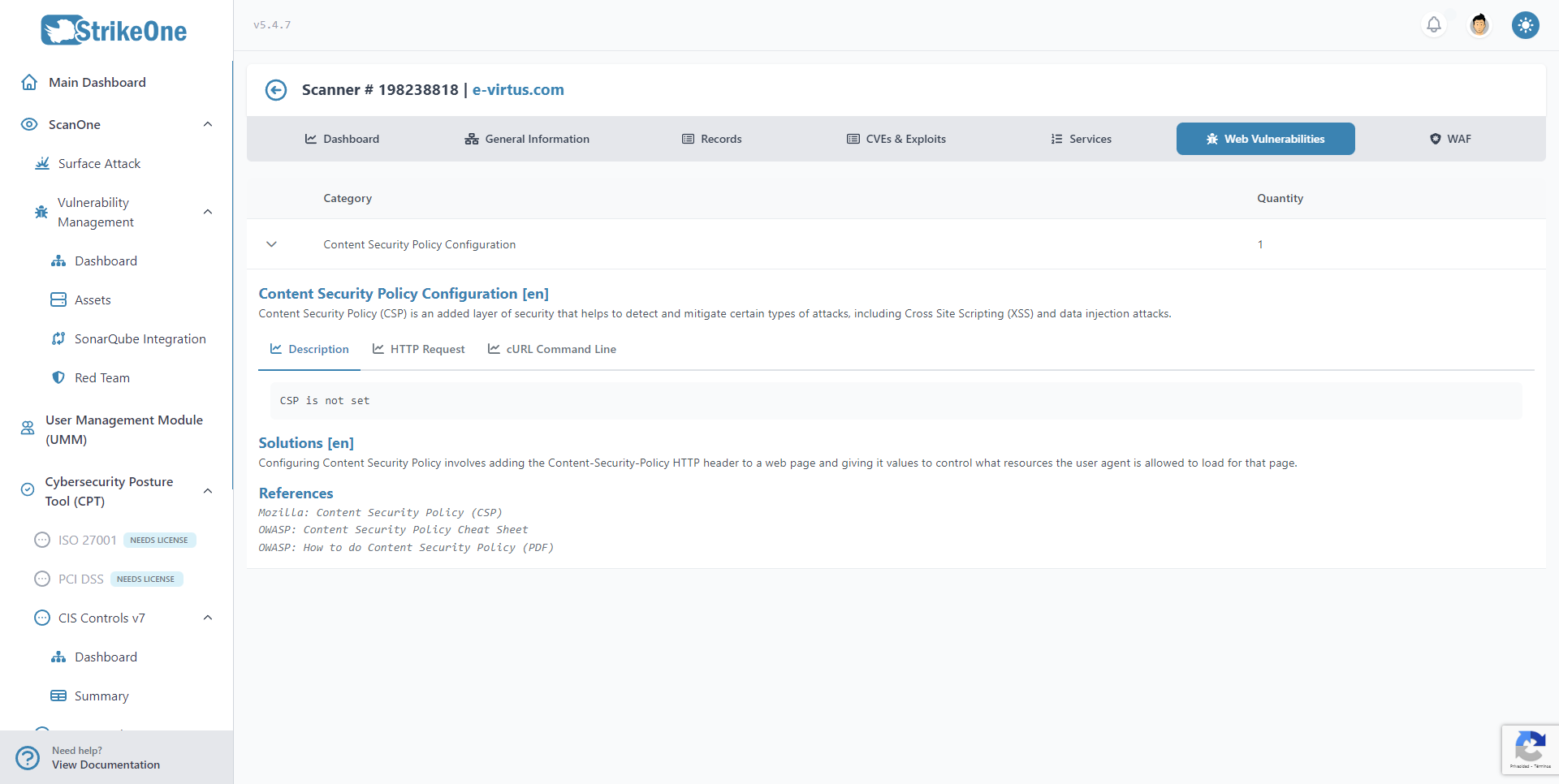
This tab contains a list of found generic vulnerabilities.
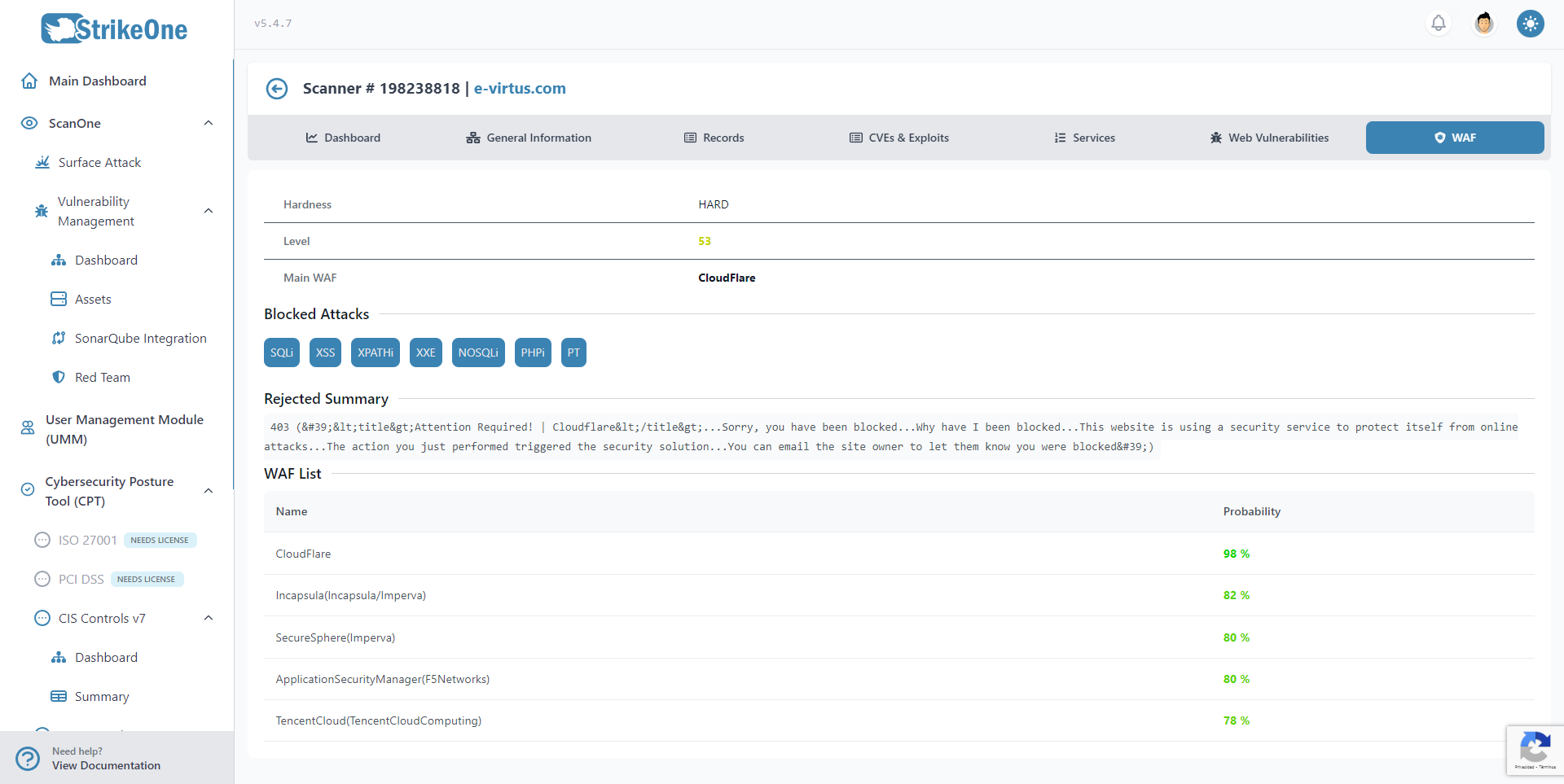
This tab will show if a WAF was found or not, and any information related to it, such as its hardness.