
CIS Controls v8
CIS Controls v8 is made up of 18 controls and 153 safeguards (subcontrols) and is also a paid submodule, meaning that it can only be obtained through the use of a coupon. Unlike CIS V7, this submodule offers additional functionalities.
Dashboard
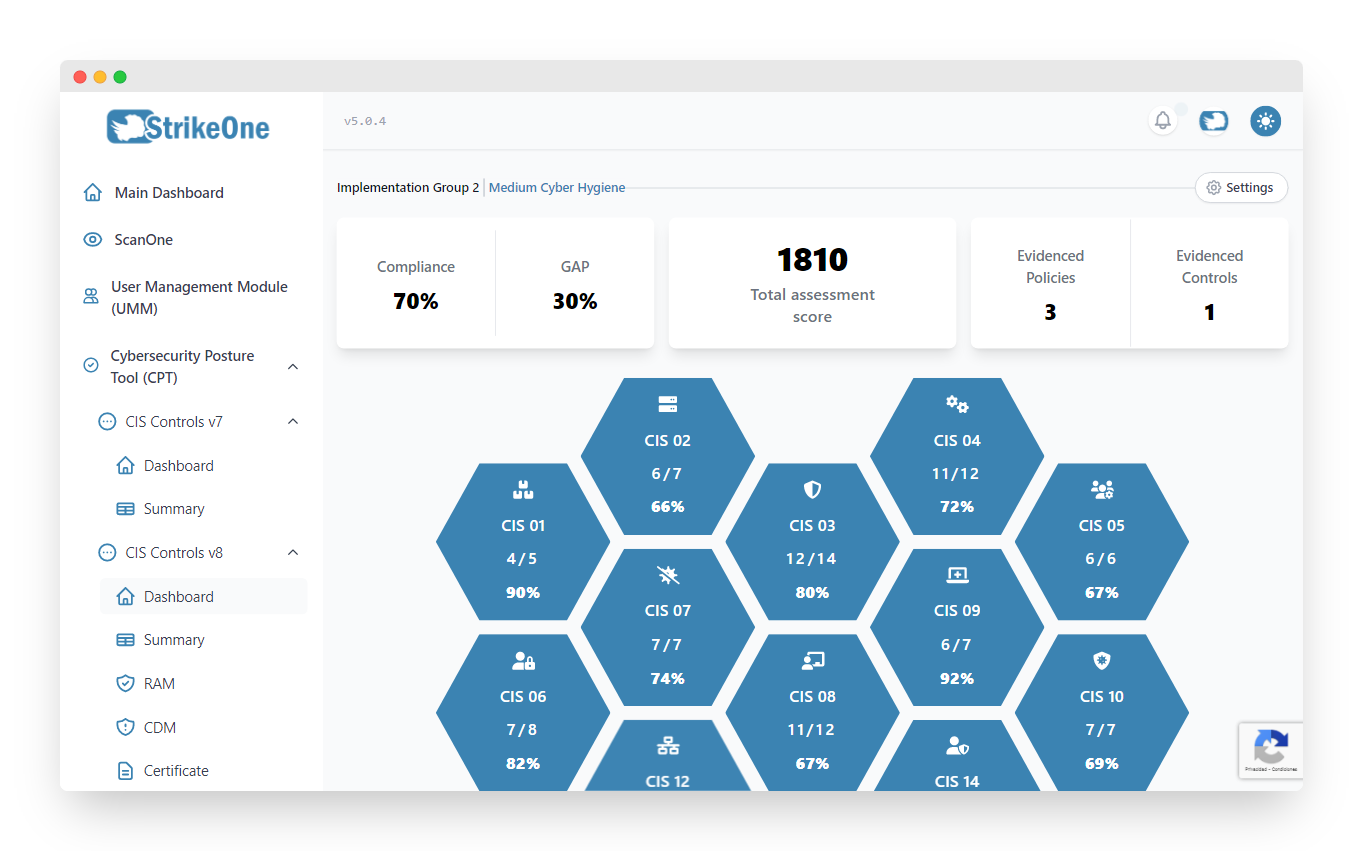
Interactive dashboard that includes the compliance percentage of all controls, and the organization's global metrics such as global compliance, GAP, total assessment store and the number of evidenced policies and controls. This view also includes a series of new widgets such as the lowest and highest complying safeguards (immediate remediation/security safeguards), unlike CIS V7.
TIP
Use the ⚙️ Configuration option on the upper right corner of this page to access this submodule's configuration.
Summary
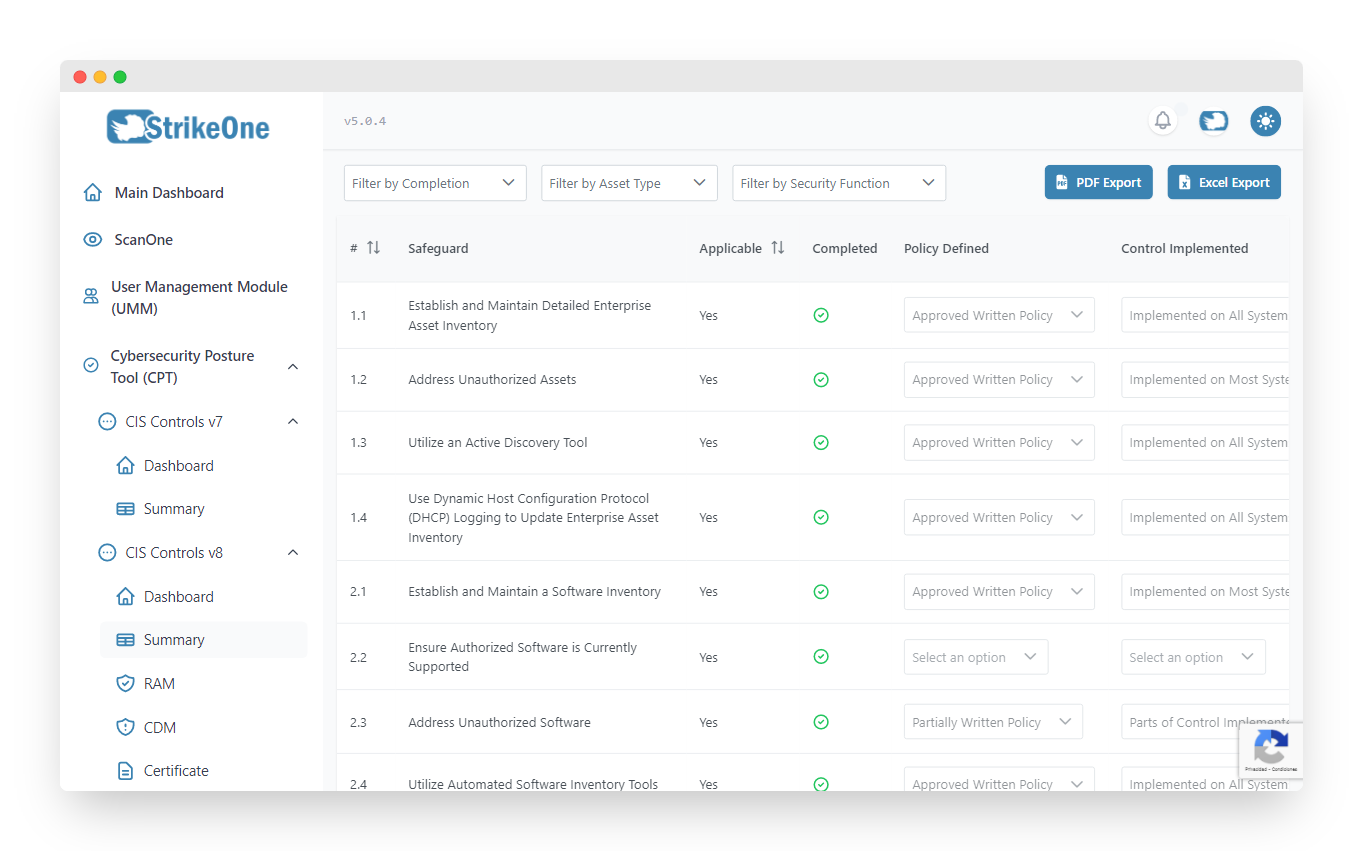
The Summary offers a complete list of all framework related subcontrols, allowing you to quickly update them as well. There's also a series of modifiable filters to facilitate user navigation. The list can be also exported as PDF file, or a XLSX (Excel) file.
Risk Assessment Method (RAM)
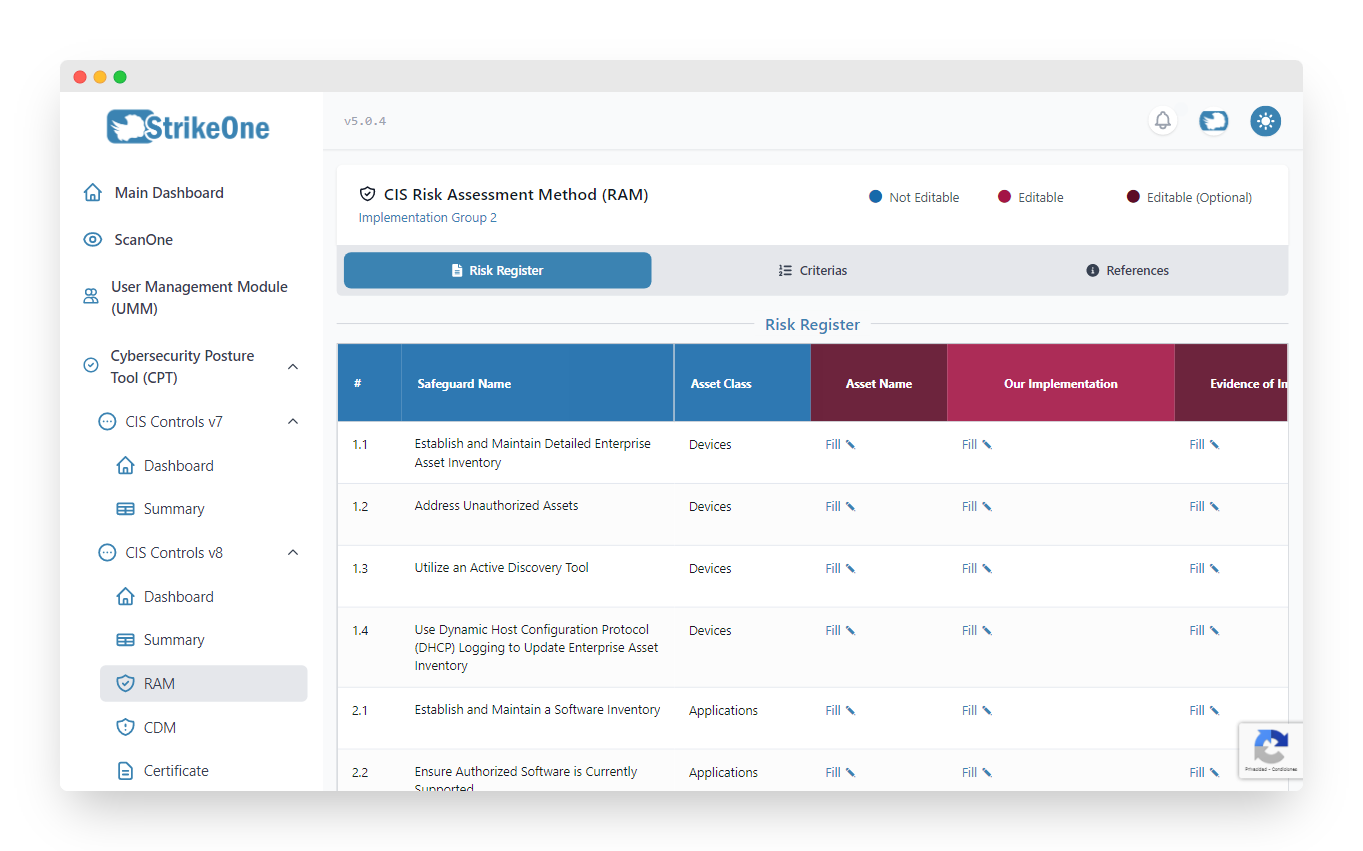
RAM offers cybersec risk evaluation methods based on CIS RAM that help organizations implement and evaluate their cybersecurity posture, also allowing to measure financial risks towards the organization and its solutions. This section is made up of 3 additional subsections - Risk Register, Criterias and References
References shows precalculated information that is used to populate the Risk Register. Inside of this subsection you will also find the VCDB index table that's used for the aforementioned calculations. This index is provided by the VCDB project.
Criterias presents several tables that allow you to fill in several criterias that are used in the Risk Register.
Risk Register allows to visualize the list of safeguards corresponding to your organization's implementation group alongside other fields related to risk assessment. Many columns are populated using information from Criterias and References.
Community Defense Model (CDM)
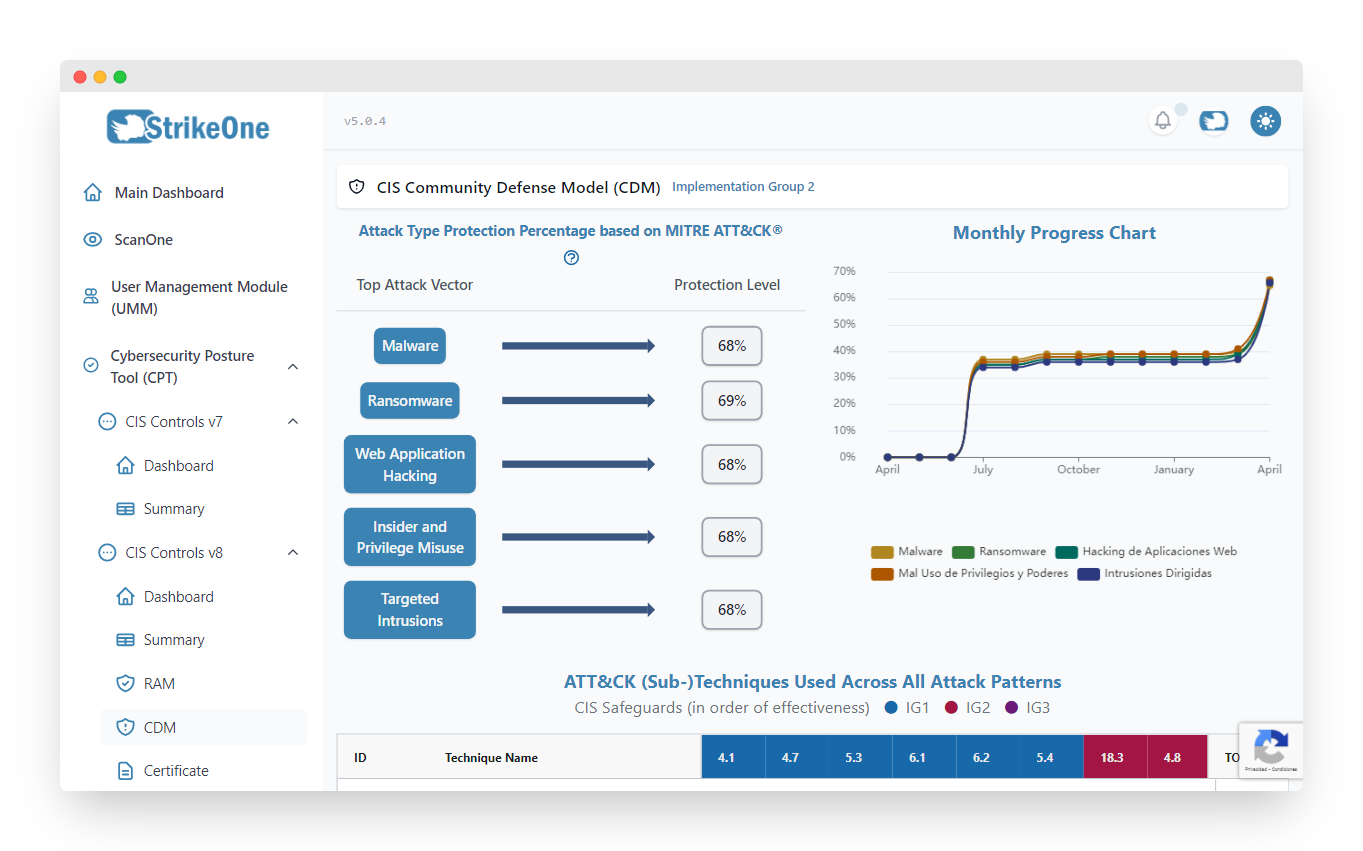
CIS CDM helps visualize organization risks in accordance to the MITRE ATT&CK framework, classifying safeguards by attack vector and showing related percentages. Additionally, all top 15 attack techniques are shown, allowing to quickly assess which types of attacks relate to a specific organization safeguard.
Certificate
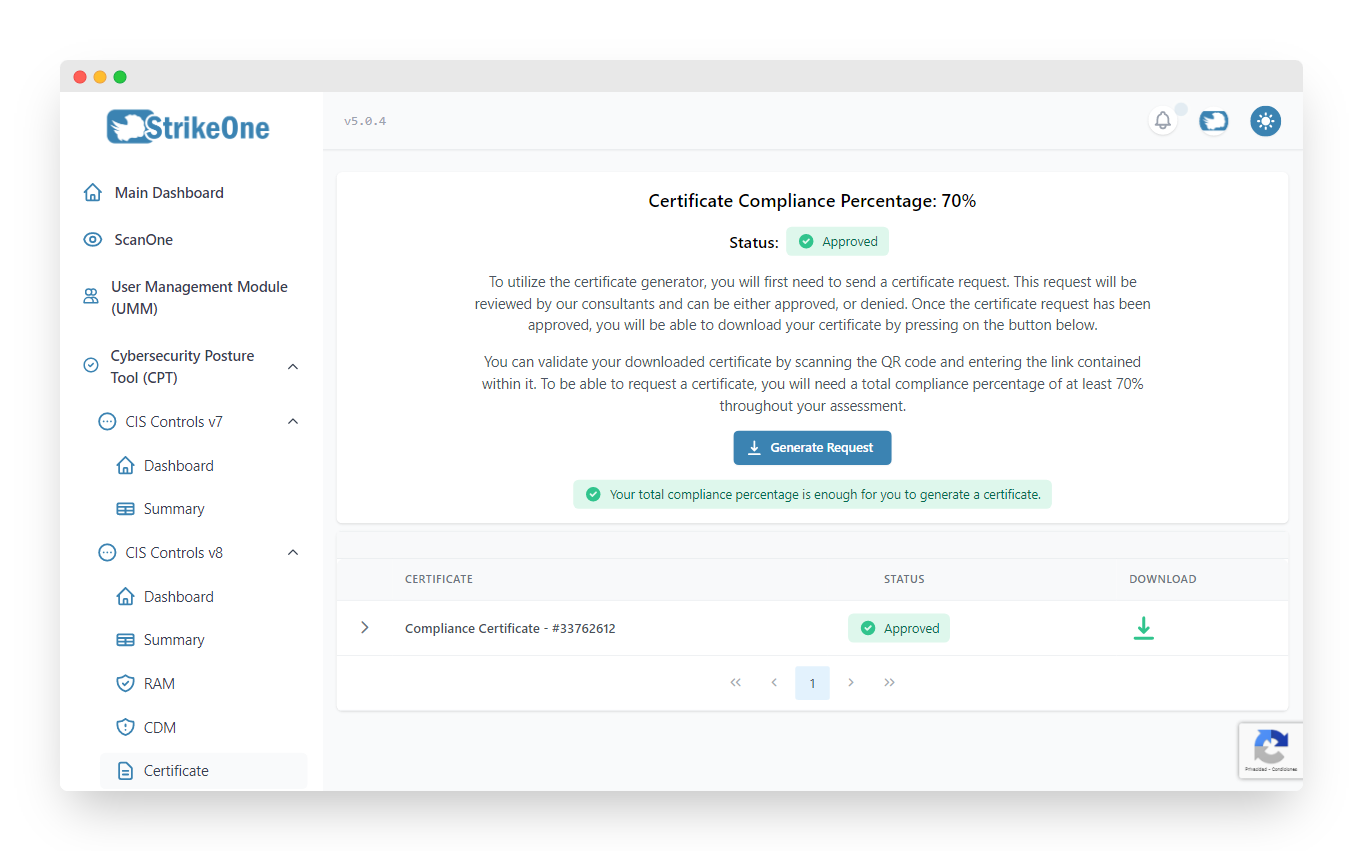
Allows to request and obtain a unique PDF certificate validating your organization's compliance of the CIS framework. All certificate requests can only be made by an ORGANIZATION ADMIN as long as the organization's compliance percentage is 70% or more. StrikeOne will get in contact with you, and either approve the certificate, or reject it. If it's approved, you will be able to download the certificate and validate it using the included QR code.
Policy Generator

Administrative page that allows the user to generate generic policy template per control in PDF format. The compliance percentage per control is also shown to help users visualize their organization's progress when it comes to policy definition for this framework.
Recommendations
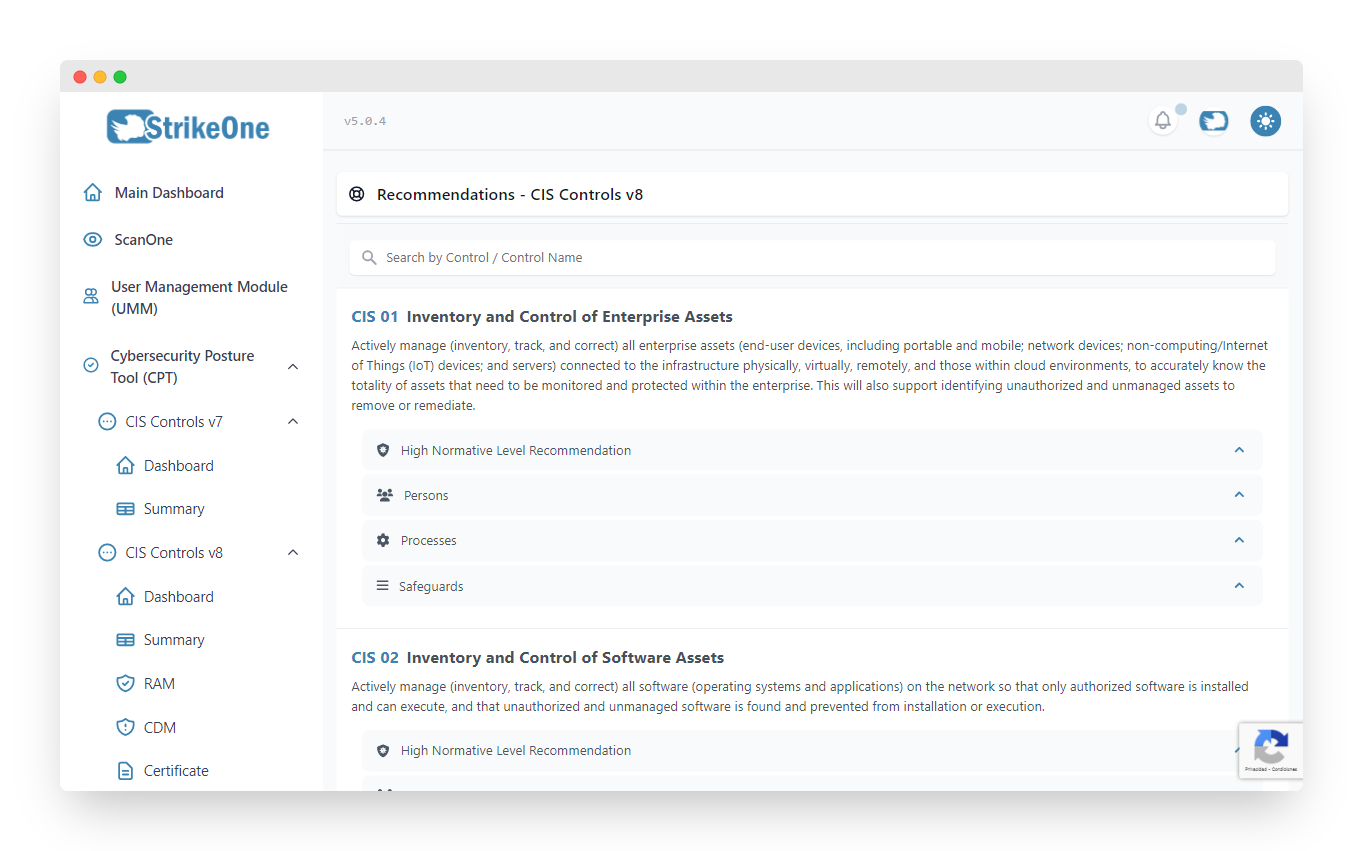
A list of all CIS V8 controls with recommendations for each of them, these include: policy recommendations, skills required, processes to consider and a list of technologies for each safeguard.
Management
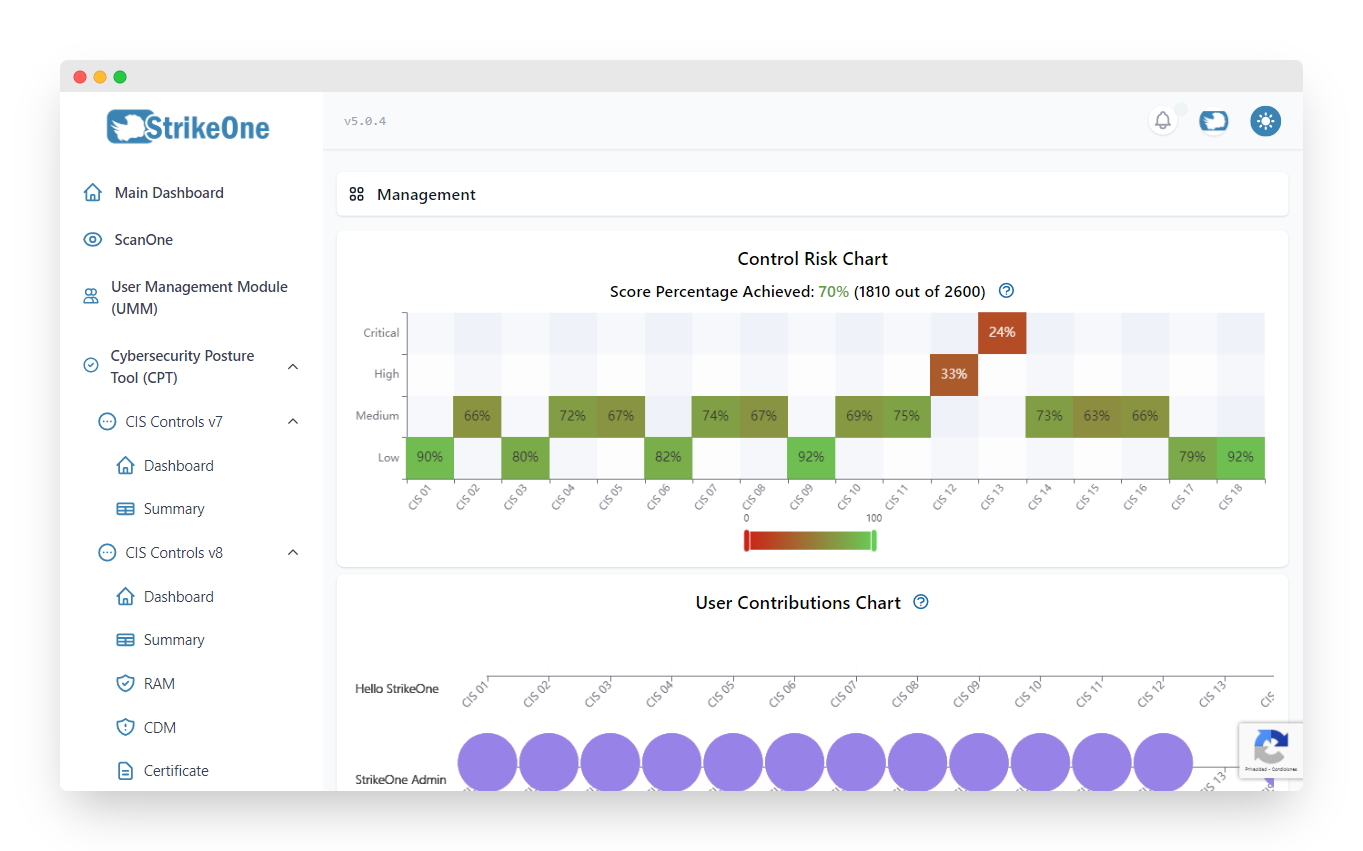
The Management section serves as a way to track user activity and contributions, these are represented through a user contributions chart and a list of user logs for each safeguard, logging events such as policy or evidence updates, applicability changes, compliance, comments, etc.
Jira Integration
Allows the ORGANIZATION ADMIN to integrate Jira with the goal of being able to create, update and delete issues directly from StrikeOne Admin. This integration needs to be configured in order to use it, which can be done at the Integrations section of your profile.
TIP
Press on ⚙️ Jira Configuration to quickly navigate to your profile.