
Introduction
First Steps
StrikeOne Admin offers you a variety of tools to automatize your organization's cybersecurity management. Once your account has been created, you will be able to log in at any time. The first page you will see is the Main Dashboard where you will find general user information with direct links to your profile and its Configuration, alongside all of your modules.
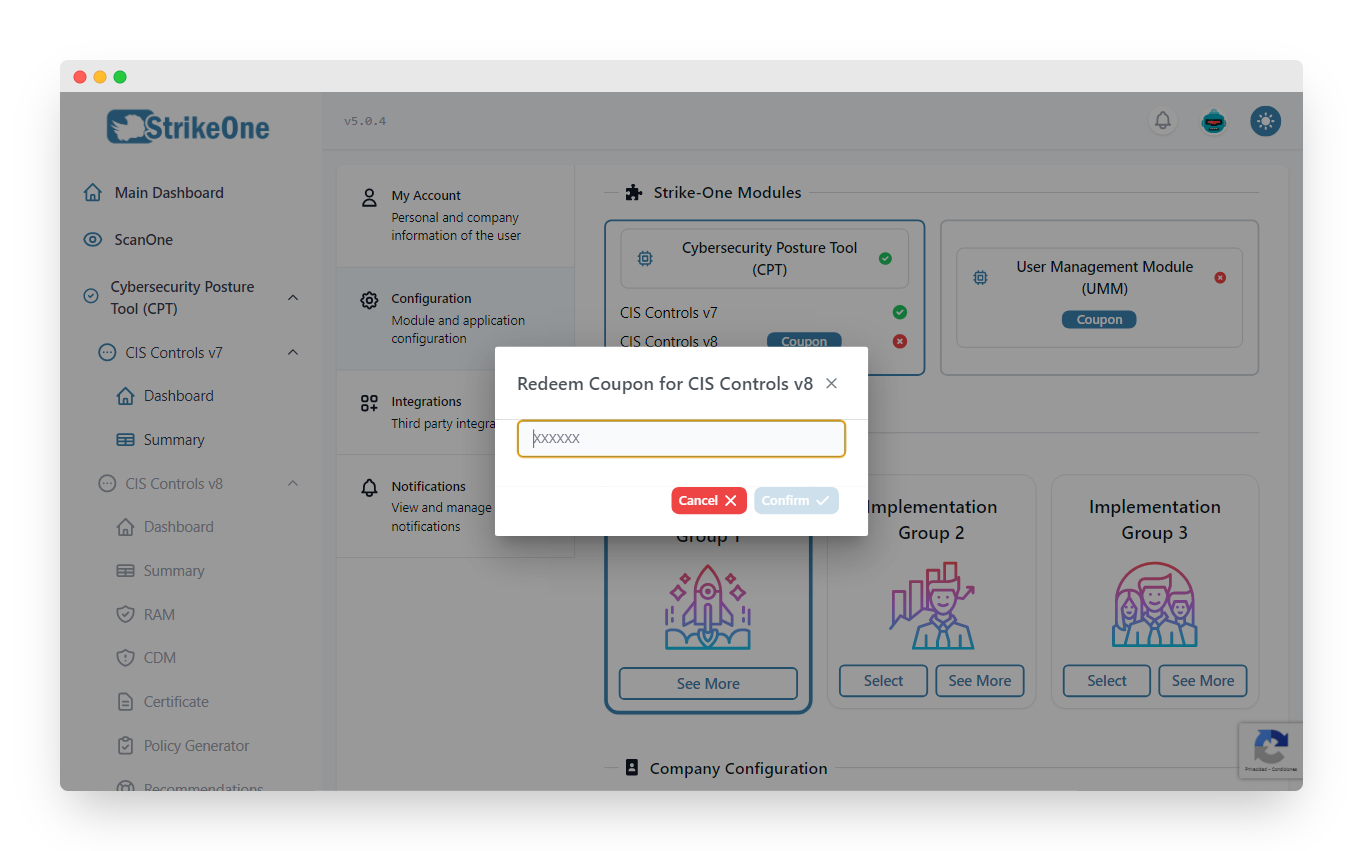
The platform's most relevant functionalities are called modules, which can also have submodules. By default, each user will be able to access the Cybersecurity Posture Tool module, alongside its CIS Controls V7 submodule. Each module (and subsequently, it's submodules) can be unlocked by redeeming a coupon on your profile.
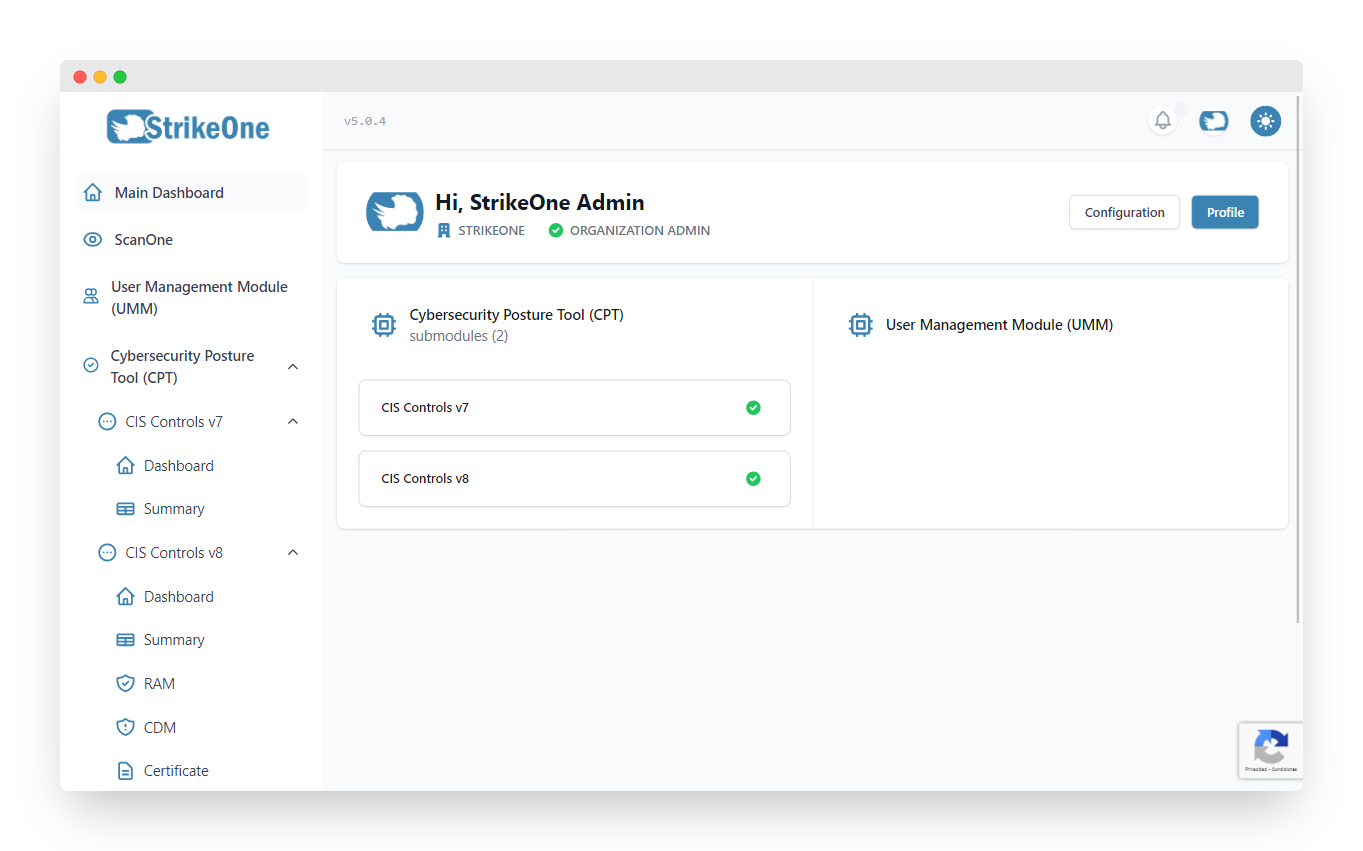
To the left of the page you'll find the navigation menu, where you will be able to access each module and submodule.
On the upper right corner of your screen you can access to your profile, log out, see your most recent notifications, and change the application's theme.
My Account
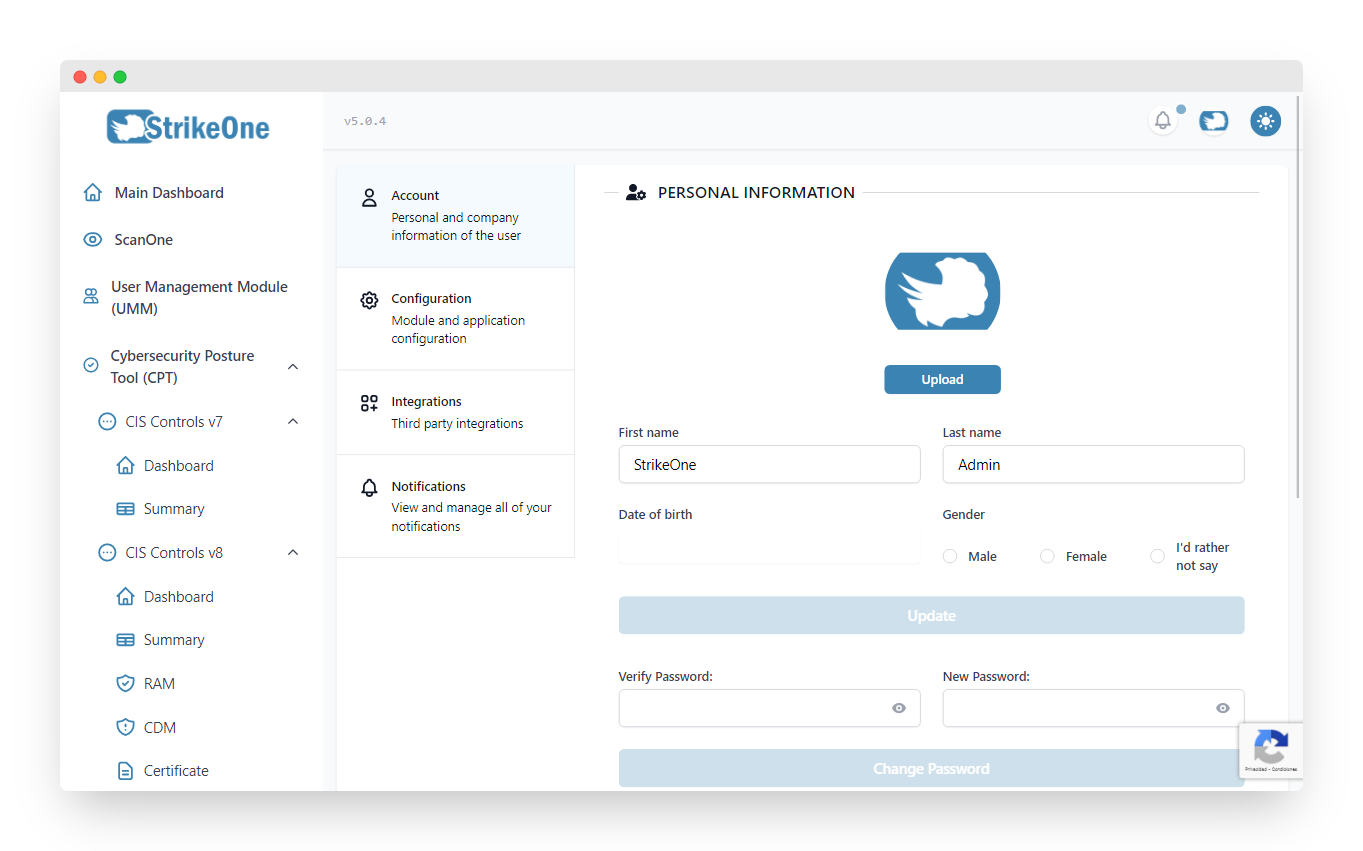
In this section you can update your personal and your organization's information.
Configuration

This section will let you visualize all of your modules and submodules, as well as configure them. All organization admins can update the organization's information (its logo, or approving unit). Lastly, it's also possible to further personalize your experience by changing the platform's language and the navigation menu style.
TIP
Modules such as UMM, or submodules like CIS V8, are activated from this page. If you wish to activate a module, press on the coupon button.
Integrations
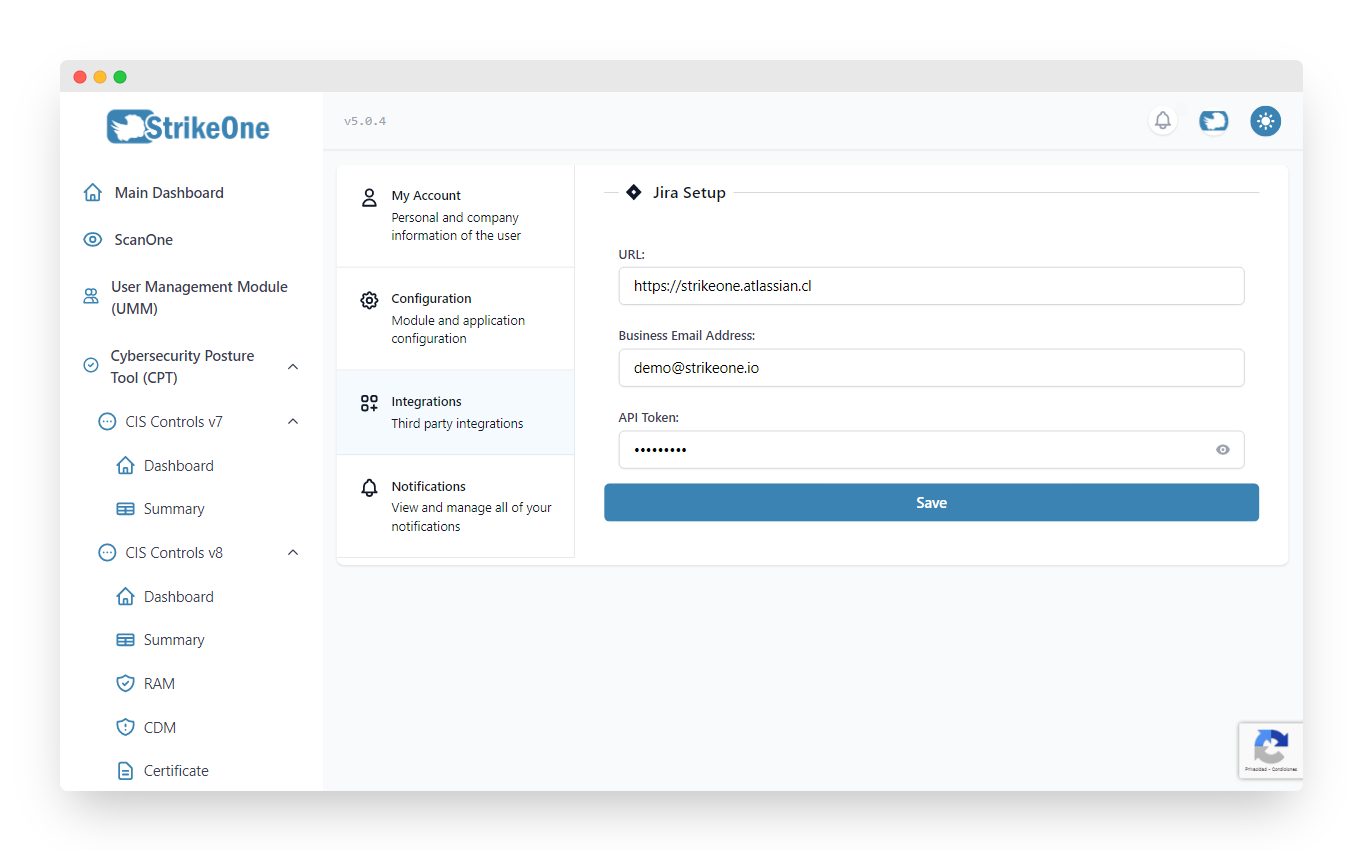
You can configure third party application integrations in this section, like Jira.
Notifications

Manage all of your notifications from here.